 wristdeck
Coming soon
Mute the mic in a meeting, run a shortcut, open an app with one tap. Tap your watch; it happens on your computer.
No account · Stays on your local network · End-to-end encrypted · Free to start
watchOS
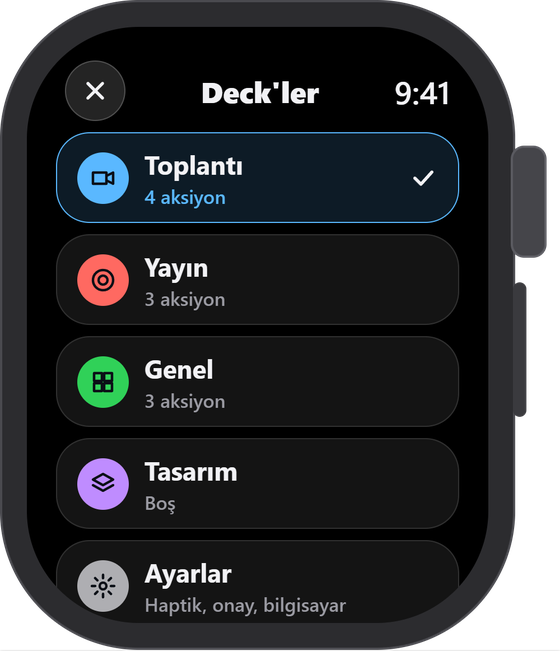
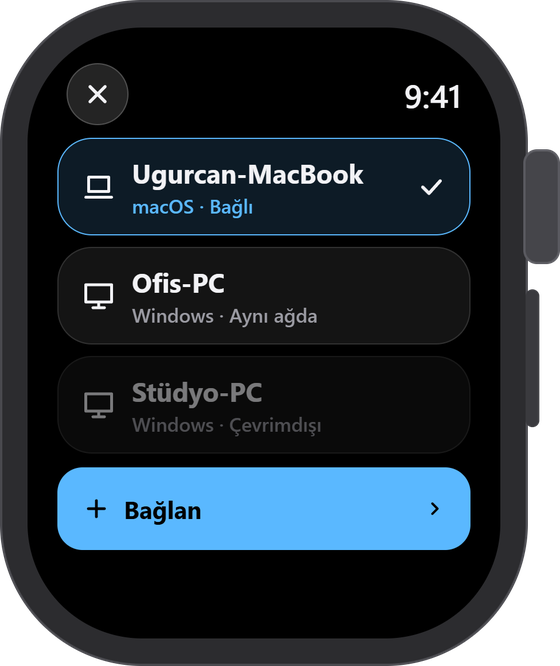
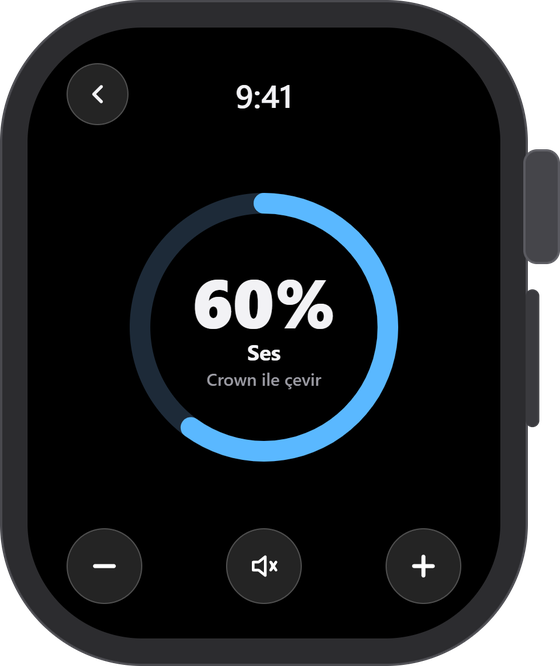
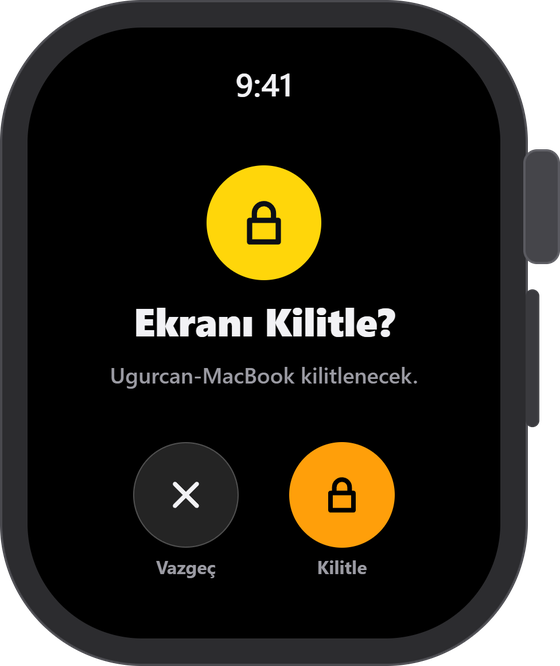
Decks
System
Do Not Disturb, pause the music, lock the screen when you step away.
Media keys
Play, pause, skip a track. Turn the volume with the Digital Crown.
Terminal and IDE
Open a terminal, run the code, grab a screenshot of what broke.
Any app, any shortcut
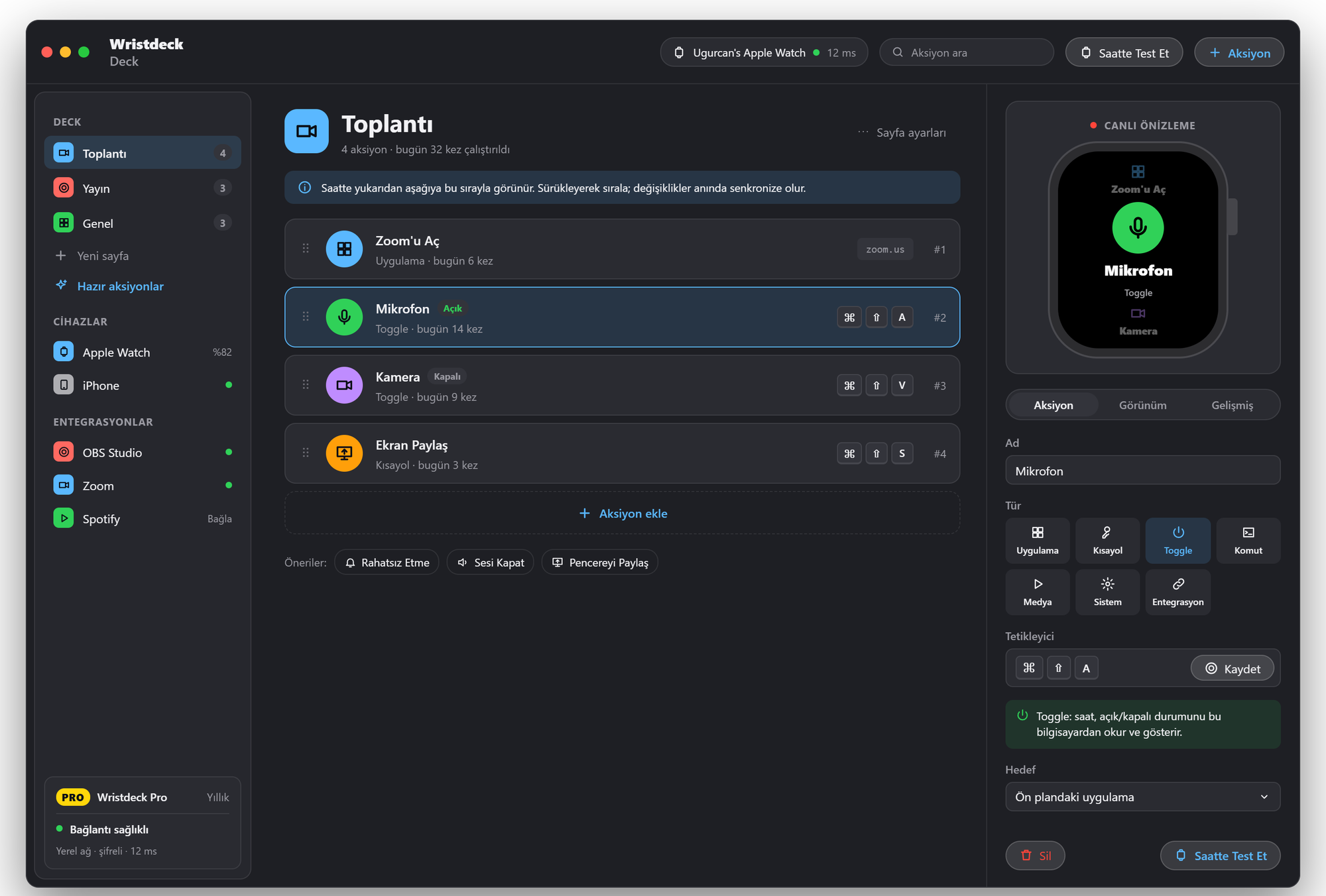
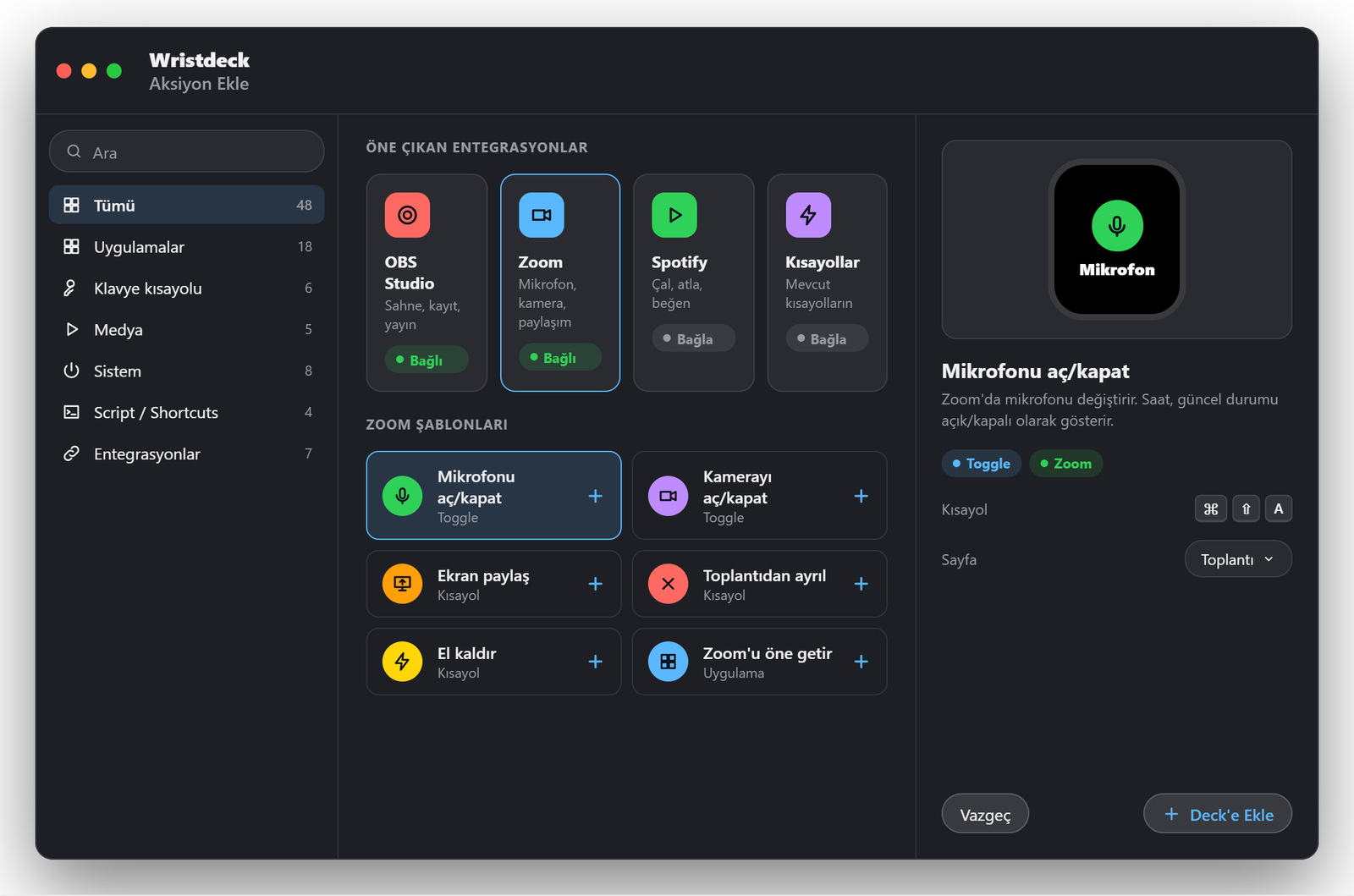
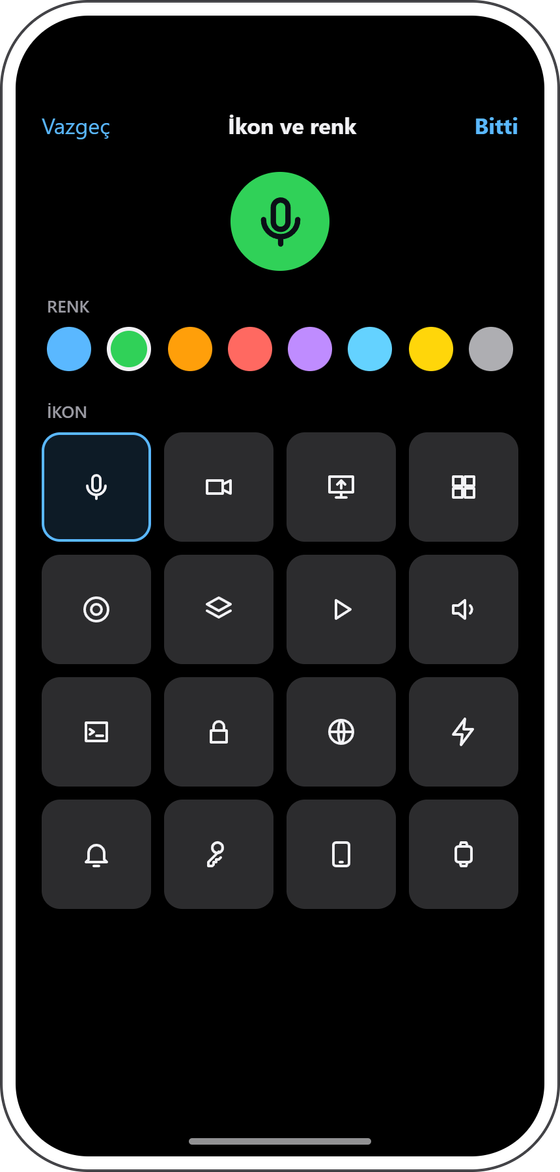
Apps, keyboard shortcuts, toggles and commands, each with its own icon and colour.
Mac and Windows
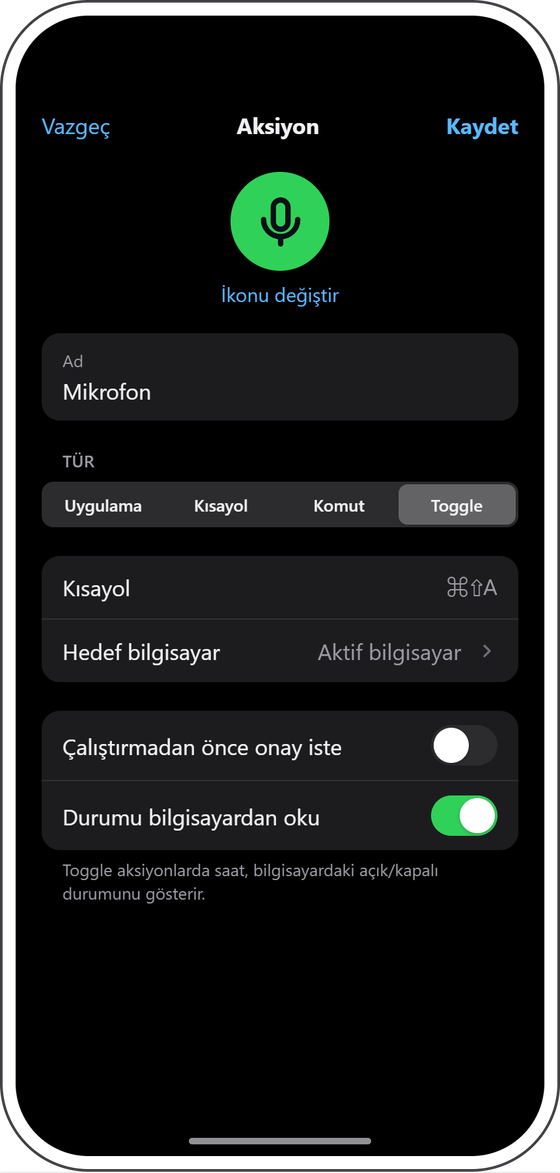
Pick a ready-made action or record a shortcut, try it on the watch, add it to the deck. Shortcuts, apps, toggles and commands, each with its own icon.
Apps · keyboard shortcuts · toggles · media keys · scripts
Devices
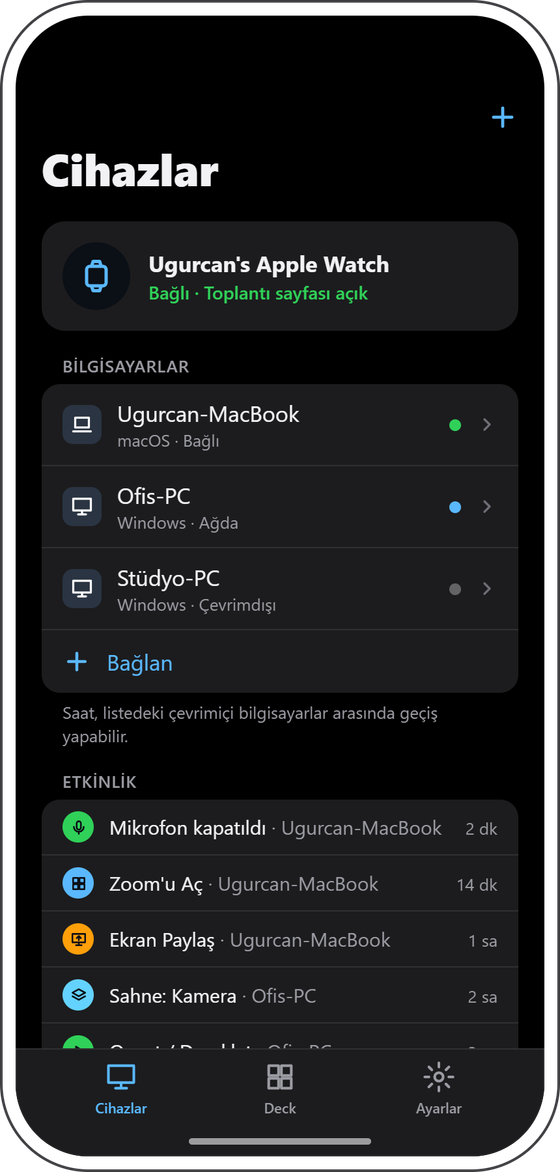
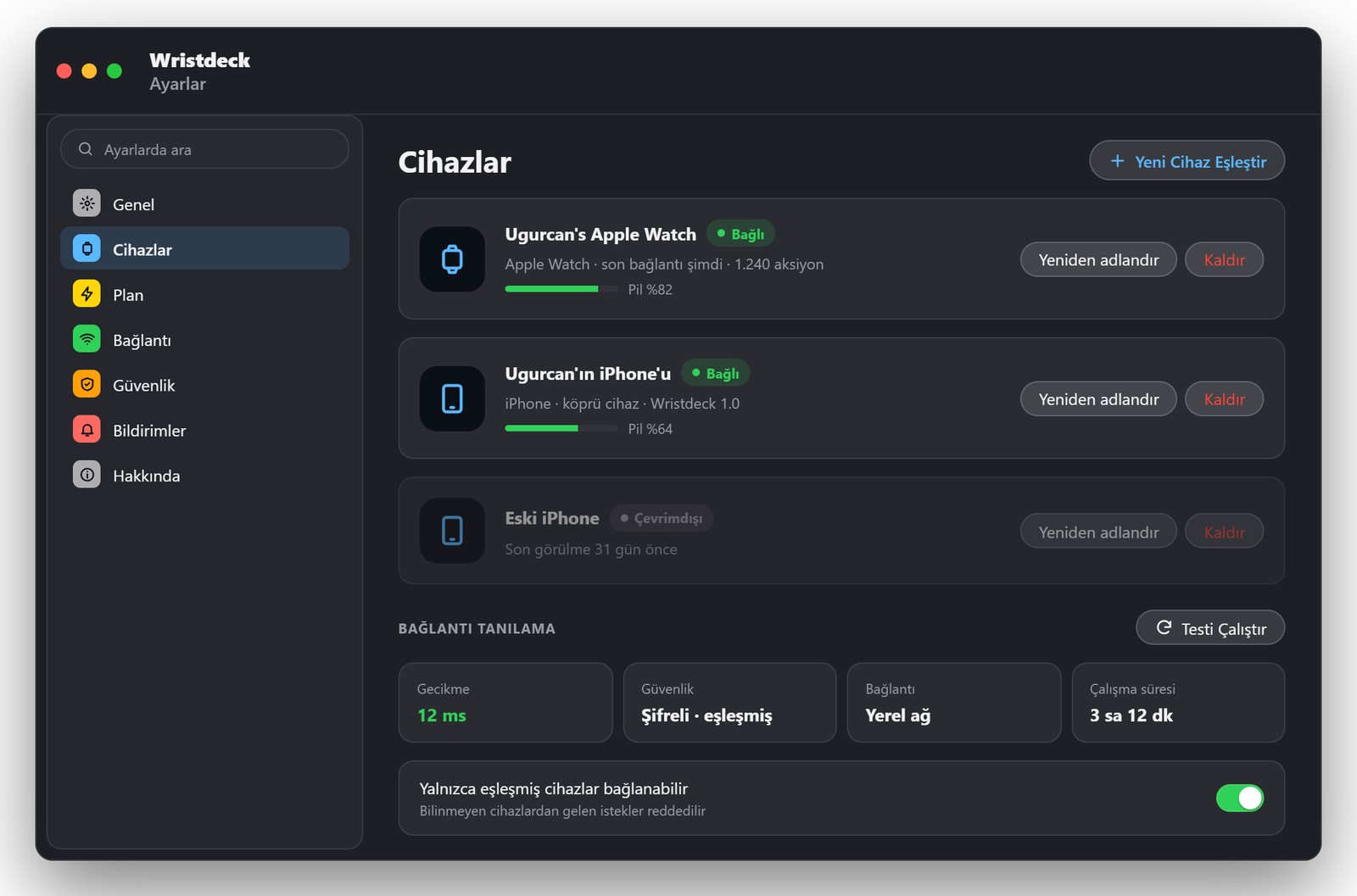
Pair a Mac and a PC, rename them, see which one is online. The watch switches between them.
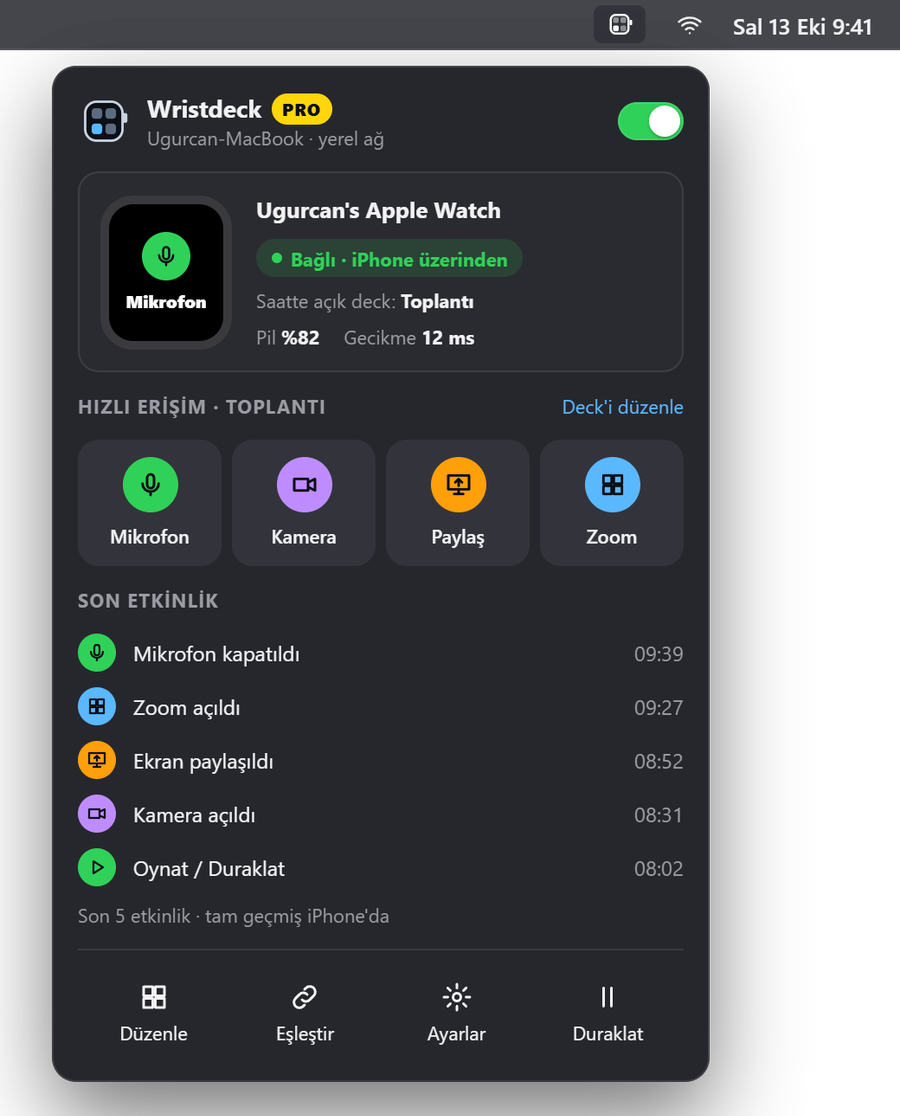
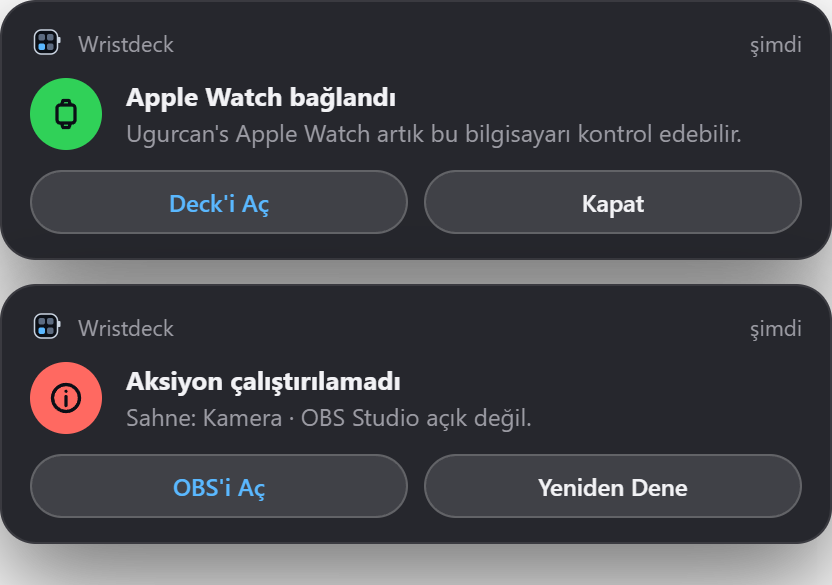
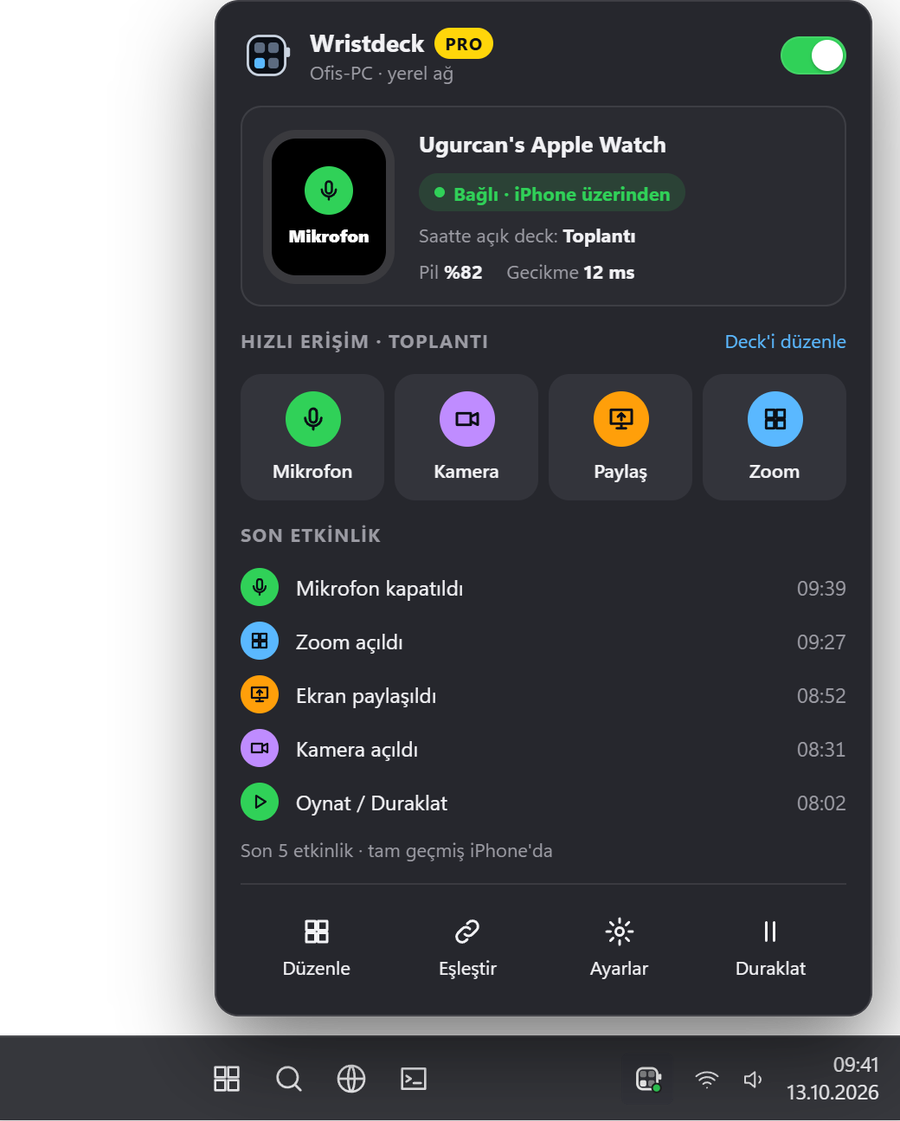
Connection, the watch battery, quick actions and recent activity, one click away. If something fails, a notification says so.
iPhone
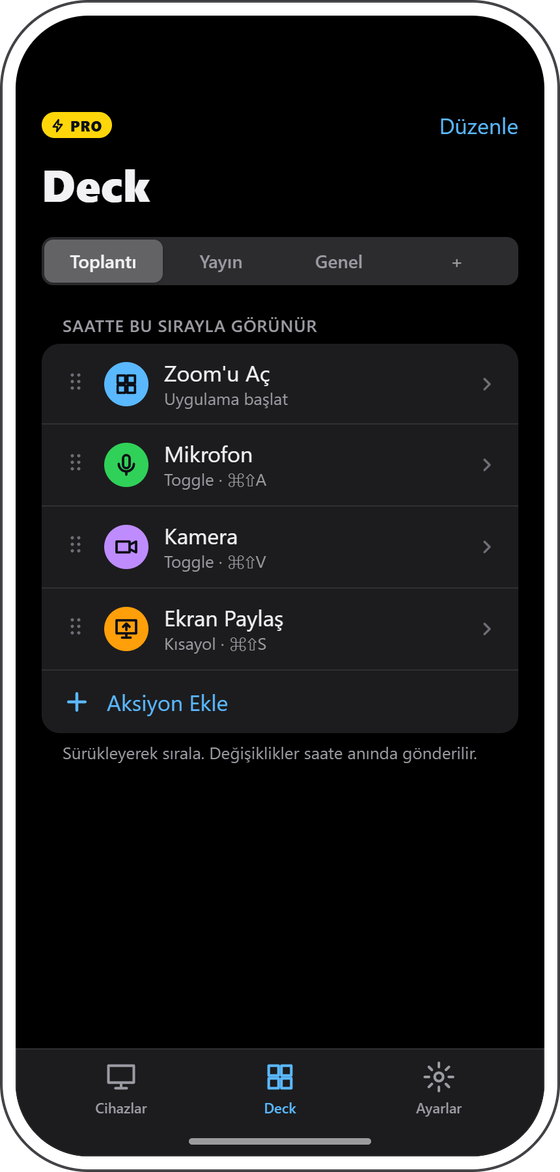
Pair computers, edit decks, see what ran. All from the iPhone.
Inside
Wristdeck never leaves your home Wi‑Fi. The watch talks to your iPhone, the iPhone talks to your computer over an encrypted local link. No servers, no sign‑in, nothing stored anywhere but your own devices.
Servers
0
No account. No cloud.
Encryption
AES‑256
End to end, every message.
Written in
Swift 6
SwiftUI. Zero dependencies.
Coming soon
One app on the watch and the iPhone, one on each computer. Free to start.
From the App Store
Coming soonwatchOS and iOS
Menu bar app
Coming soonmacOS
Tray app
Coming soonWindows 10 and 11
Needs an Apple Watch paired with an iPhone. Screens are from the design; the shipping app may differ.