The whole desk, one colour.2
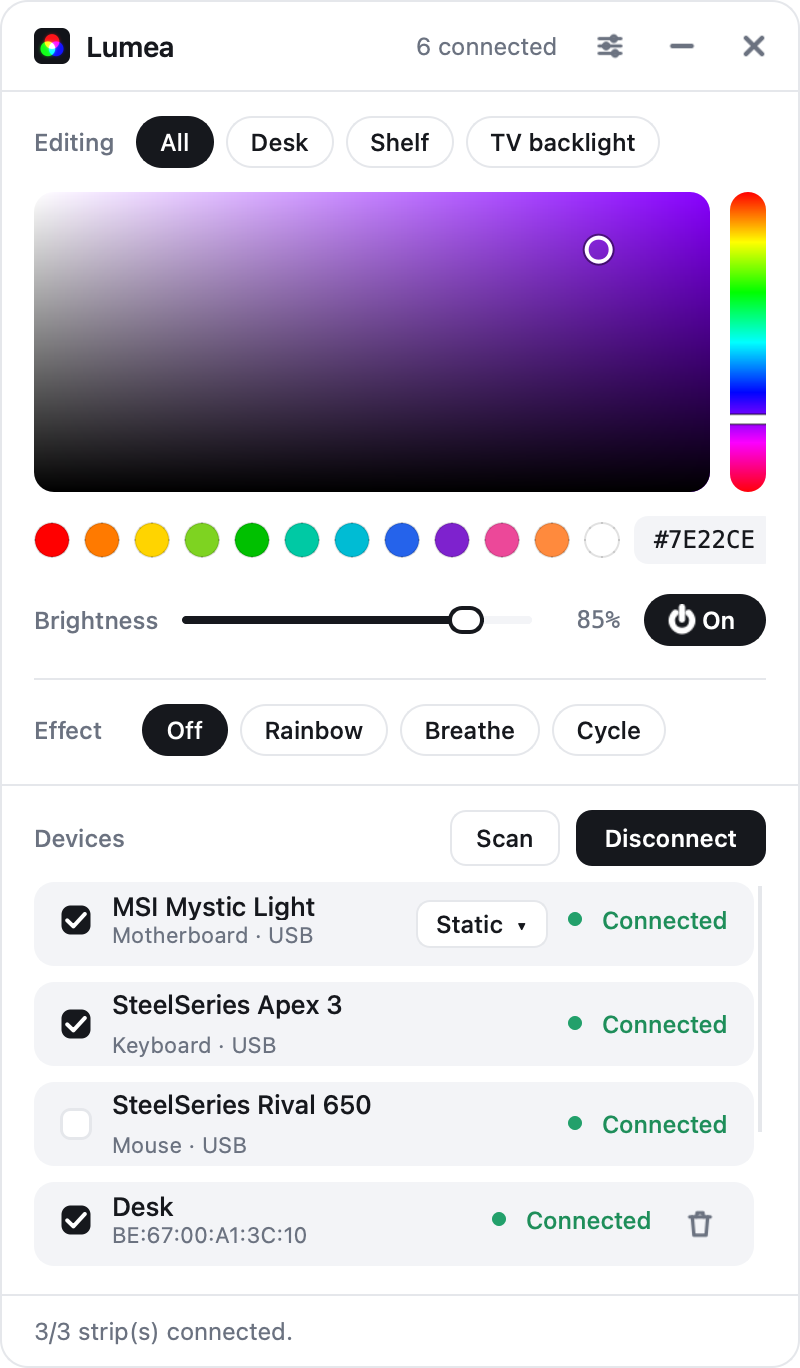
Two plugins put an MSI Mystic Light board, a SteelSeries Apex 3 and a Rival 650 in the device list, always connected. Tick them to join All. No MSI Center, no SteelSeries GG, no kernel driver.
Highlights
Every strip at once
Rainbow.
Breathe.
Cycle.
Effects
♪
Music mode
MSI.
SteelSeries.
PC RGB, Windows
Remote control
Control
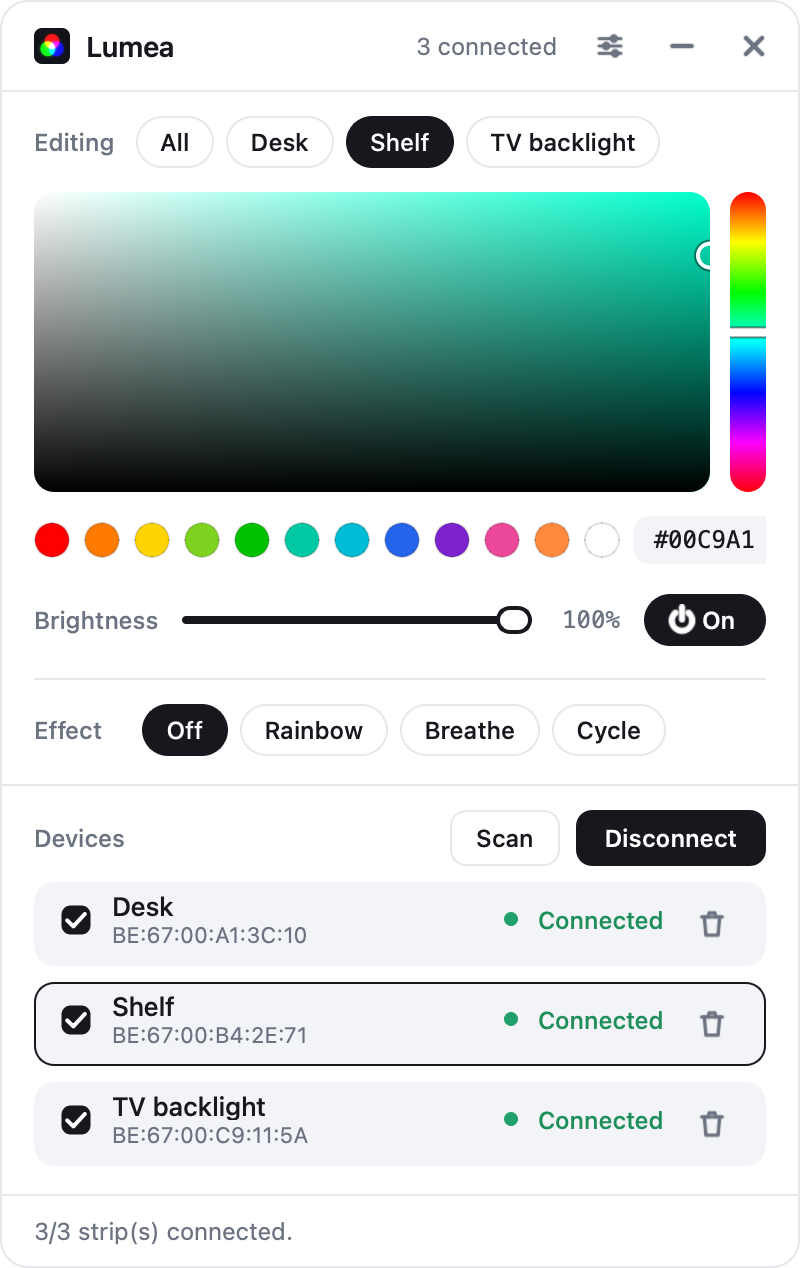
Scan lists the strips nearby. Tick the ones you want and press Connect. Then choose the target with the Editing chips, all of them or just one, and use the colour picker, brightness and power. Commands go out in parallel, so the strips change together.
Strips at once
Many
One picker, every ticked device
Saved presets
12
Right-click a dot to store the colour
Idle release after
1 min
So the strips stop competing with your headphones
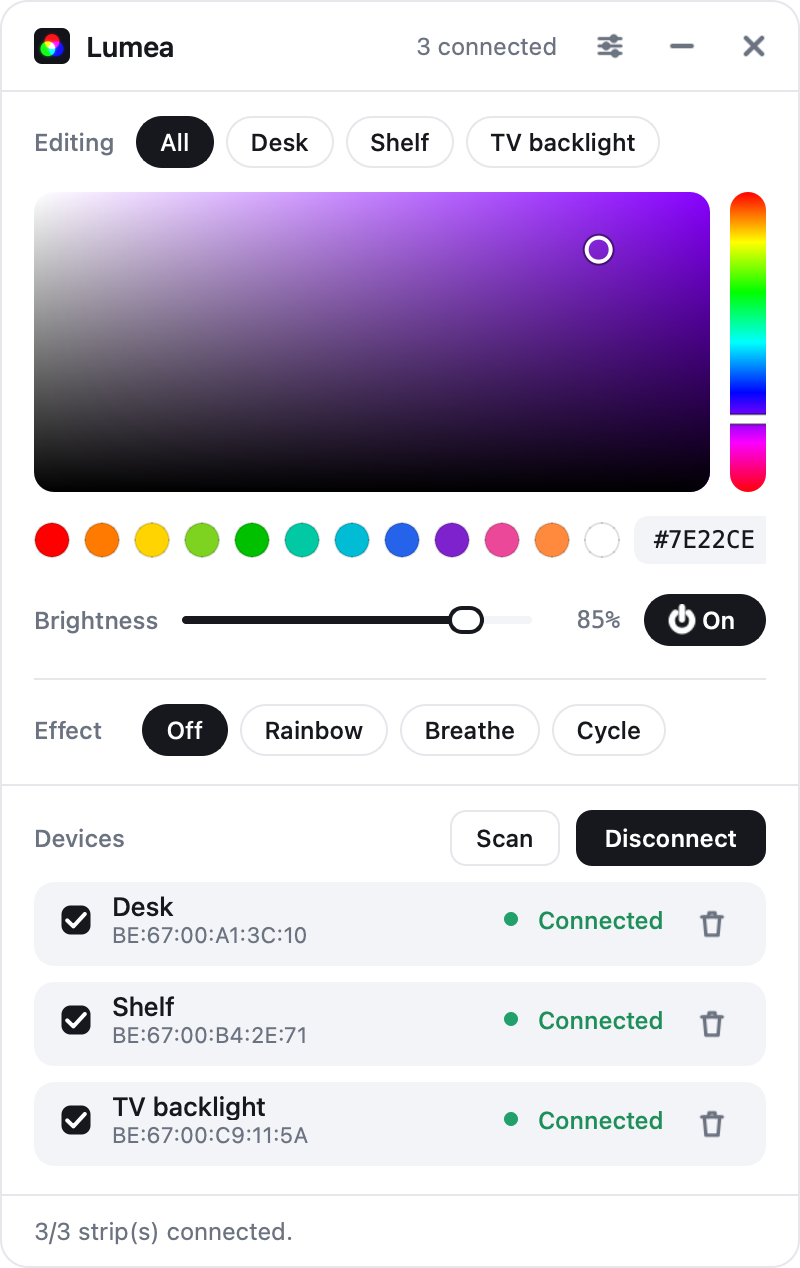
All sends to every ticked strip: the desk, the shelf and the TV backlight change together.
Click a strip’s chip, or its row, and you edit just that one, with its own colour, brightness and power loaded.
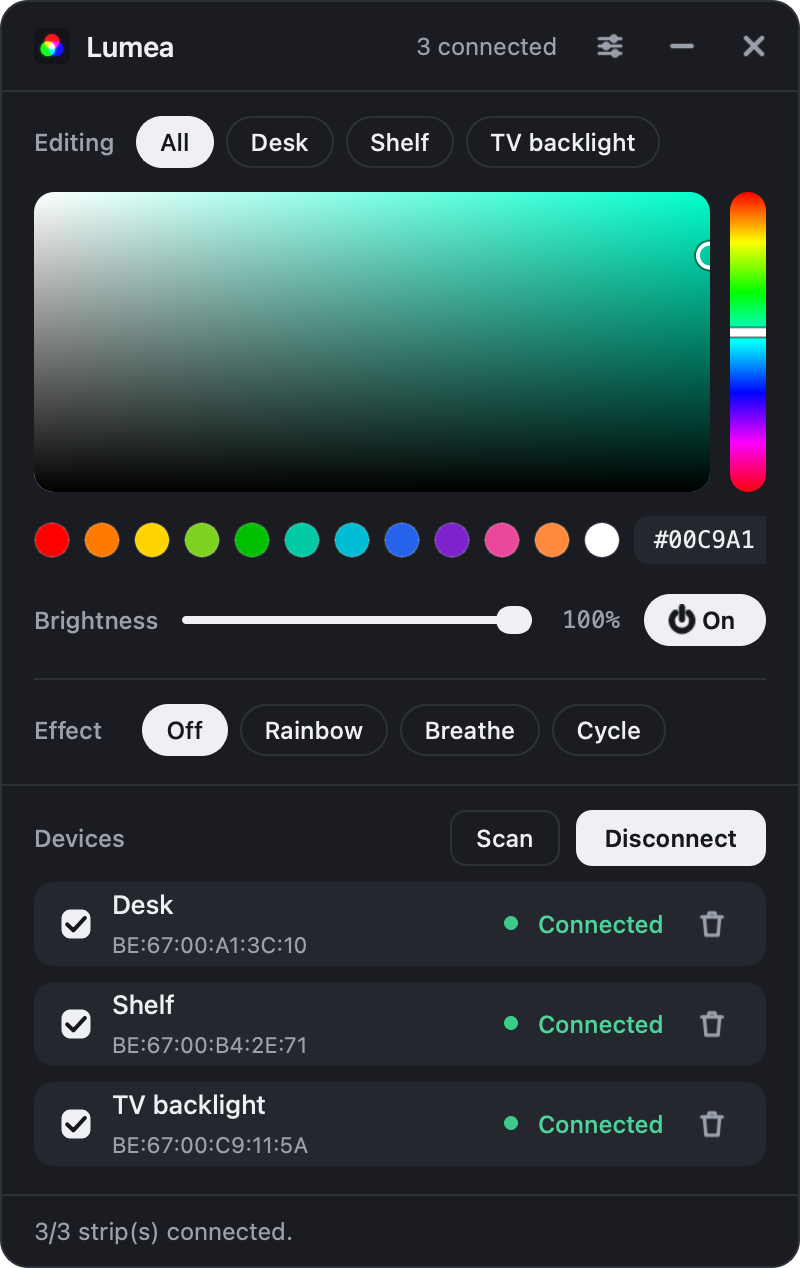
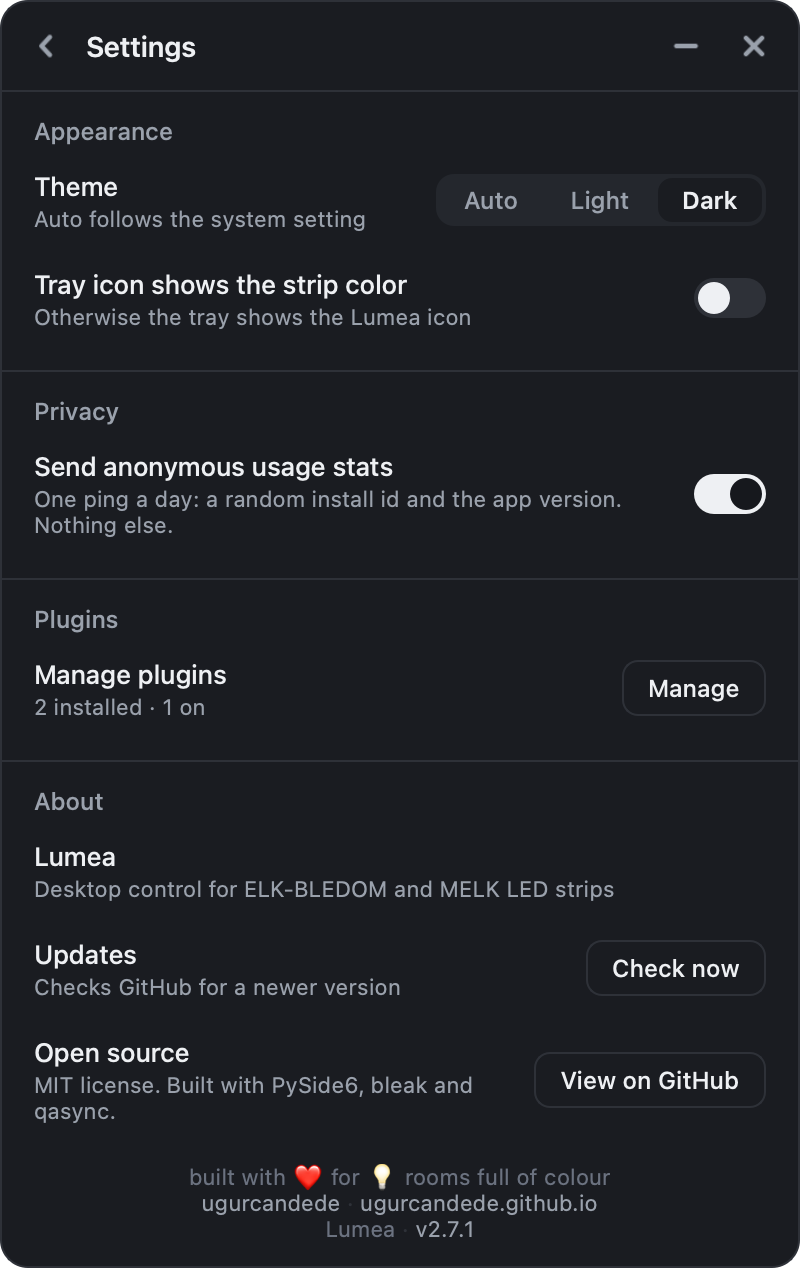
Light and dark, following the system or fixed.
Desk.
Shelf.
TV.
Aliases
Presets
−%
Brightness
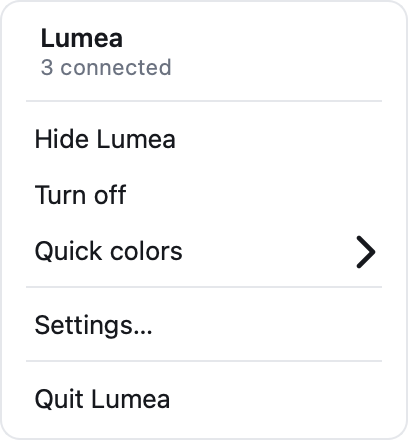
Tray
Polite with
Bluetooth.
By design
Effects and music
Effects and music mode are computed by Lumea and sent as colour frames, so they work the same on every strip and every USB device. Only one runs at a time.
Effects
3
Rainbow, Breathe, Cycle, with a speed control
Music modes
4
Pulse, Spectrum, Beat, Flow
Bluetooth strips get
~12 fps
USB devices follow more closely
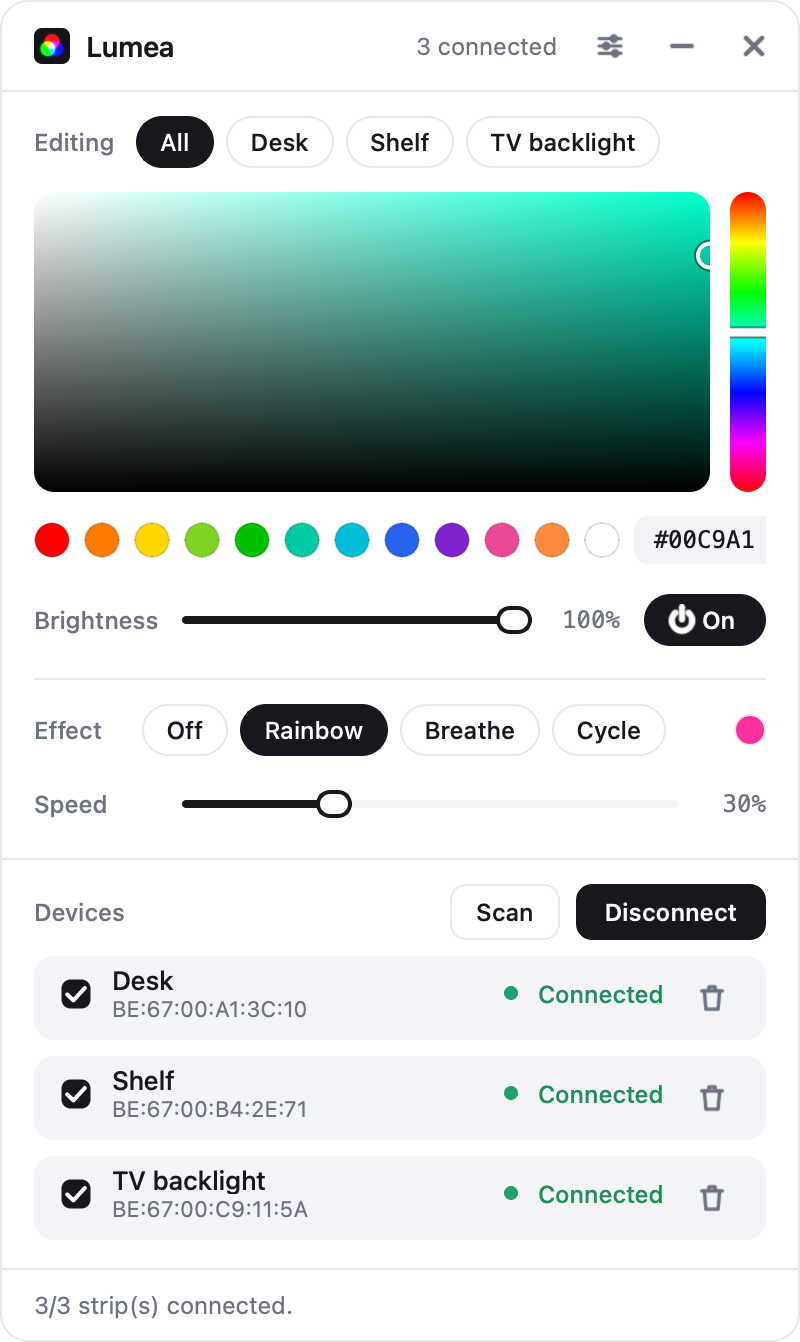
Speed appears while an effect runs, and the dot at the end of the row shows the colour being sent right now.
Rainbow
Breathe
Cycle
Pulse.
Spectrum.
Beat. Flow.
Music mode, a plugin
0 mics
How it listens
Your PC's RGB, too.
Two plugins put an MSI Mystic Light board, a SteelSeries Apex 3 and a Rival 650 in the device list, always connected. Tick them to join All. No MSI Center, no SteelSeries GG, no kernel driver.
Plugins
Settings › Manage plugins lists optional add-ons. Install one, switch it on, and it runs inside Lumea, no restart. Updates come from the same page, without a new Lumea release.
Restart to install
0
Switch it on and it runs
Pairing PIN
6 digits
Or scan the QR; five wrong PINs lock out
Plugin updates
1 click
On the Plugins page; no Lumea release needed
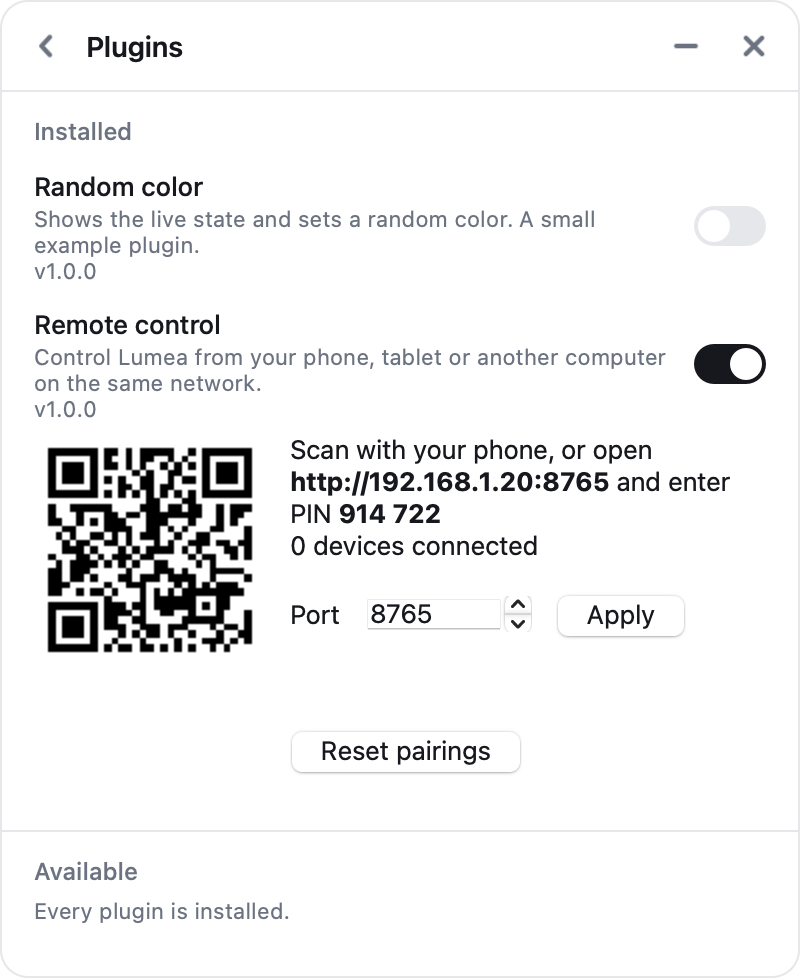
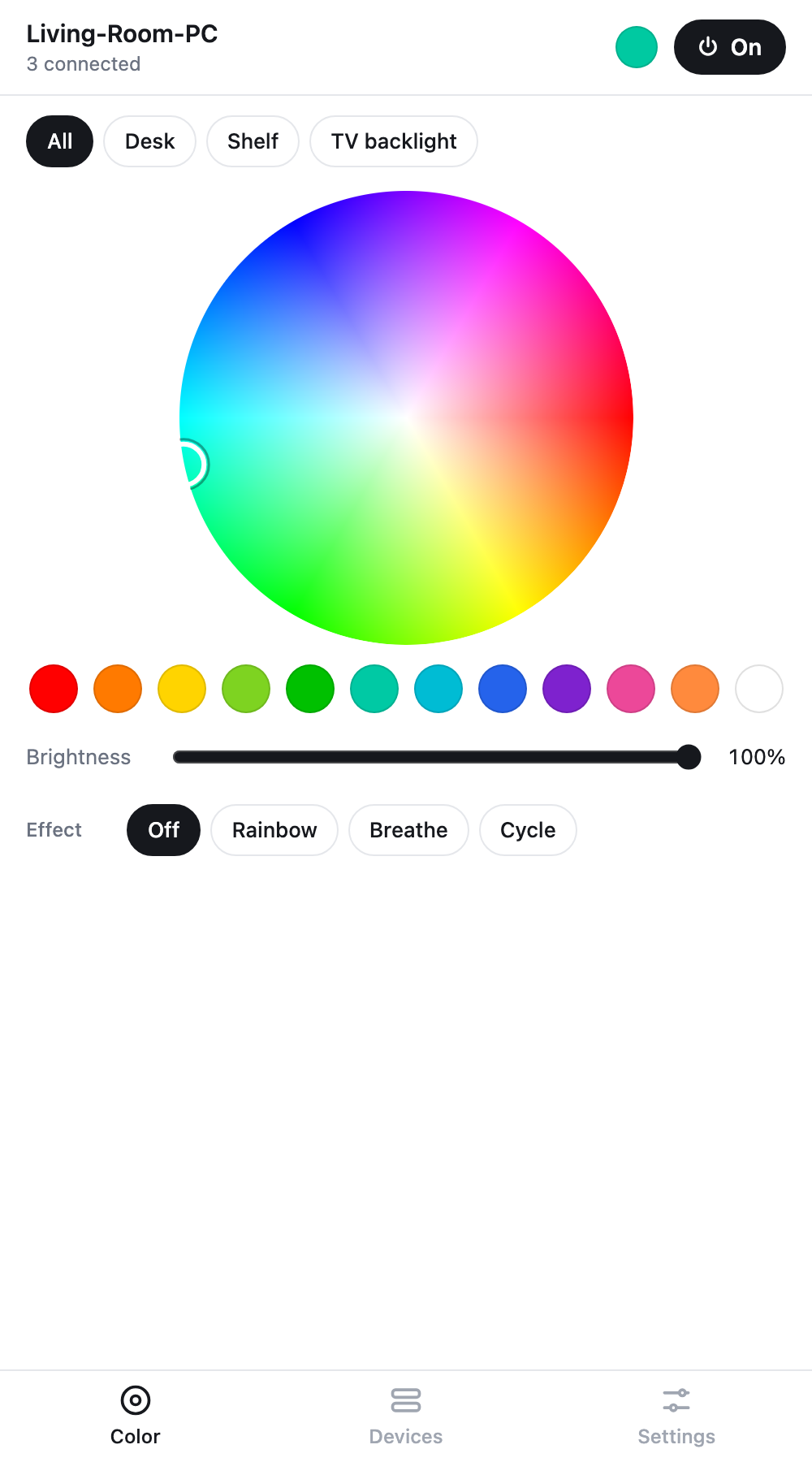
Remote control on: scan the QR, or open the address and type the PIN.
Theme, the tray icon, usage stats, plugins and updates. Lumea updates itself, by swapping the exe on Windows and through Homebrew on a Mac that installed it that way.
Remote control
Several
PCs.
One page, every PC
class Plugin
Write your own
Inside
One Qt event loop with asyncio on it, no threads. One class speaks to a single strip, a device manager fans commands out to many, and the protocol encoders are pure functions. Plugins load from GitHub at run time and use one API.
Threads of its own
0
asyncio on the Qt loop, through qasync
Drivers installed
0
Bluetooth LE and USB HID
Written in
Python
PySide6, bleak, qasync. MIT licensed.
Python 3.11 or later; if pip finds no PySide6 wheel for the newest one, use 3.11 to 3.13. On macOS the interpreter’s own bundle needs a Bluetooth usage string, and Lumea shows the one-time fix in its status line if it is missing.
Source on GitHub →# from a clone of the repo $ pip install -r requirements.txt $ python main.py
Two builds
Apple silicon
Download$ brew tap ugurcandede/tap $ brew install --cask lumea
One executable
DownloadLumea-windows.exe, no installerBluetooth on, and a strip that advertises as ELK-BLE, MELK or ELK-BULB.1 Anonymous usage stats can be switched off in Settings.3
Specifications
FAQ
If its Bluetooth name starts with ELK-BLE, MELK or ELK-BULB, Lumea lists
it. Power and colour use the frames confirmed on these controllers. If yours
shows up but doesn’t respond, please
open an issue with its name.
On purpose. Lumea lives in the tray; grabbing Bluetooth every time it opens would be rude to everything else using it. Scan, then Connect — it takes a second.
A busy Bluetooth radio can do that. Lumea releases its links after a minute without changes, so idle strips don’t compete with your audio; the next colour you pick reconnects them. Effects and music mode keep the links busy while they run.
These strips never report their state back — not the colour, not whether they are on. Lumea shows the last command it sent, and remembers it per strip. If you change the colour with the remote or the phone app, Lumea can’t know.
Their command bytes differ between ELK-BLEDOM variants and haven’t been confirmed on real hardware, so Lumea doesn’t send them — a guessed command does nothing at best. Brightness dims the colour instead, and the effects (Rainbow, Breathe, Cycle) are animated by Lumea itself.
Yes, on macOS 13 and later: the Music mode plugin captures the system audio through ScreenCaptureKit, so no virtual audio driver. macOS asks for the Screen & System Audio Recording permission the first time; allow Lumea and relaunch it.
Because macOS has no audio-only permission: Screen & System Audio Recording is the one way an app can hear what the system plays, and it covers the screen as well. Lumea reads the audio alone — the screen isn’t looked at, recorded or sent anywhere, and the microphone isn’t involved.
Lumea and each plugin declare the plugin API version they speak. Needs a newer Lumea means the plugin was written for a newer app than yours: update Lumea from Settings › About. Needs a plugin update means the installed copy predates your Lumea: press Update on the Plugins page. Plugins are published from the repository, so they update without a new Lumea release.
Once a day it sends an anonymous ping to Google Analytics: a random install id, the app name and version; days missed offline are sent late, at most two. No device names, no addresses, no colours. Turn it off any time by unchecking Send anonymous usage stats in Settings.
Neither build is signed with a paid certificate. On Windows choose More info → Run anyway on the SmartScreen prompt; on macOS install with Homebrew, which takes care of Gatekeeper, or allow the first launch under System Settings › Privacy & Security › Open Anyway.
No. Both drive the hardware through hidapi, which Lumea bundles on Windows
only; on a Mac they install and run but add no device. The strips, effects,
music mode and the remote work the same on both systems.
Lumea only sends the static-colour report, never effect or mode bytes — those are undocumented and have bricked some boards. The writes are volatile: a reboot restores your BIOS lighting. Boards that don’t match the verified controller are detected and left untouched.
From lumea/docs/faq.md
More from ~/apps