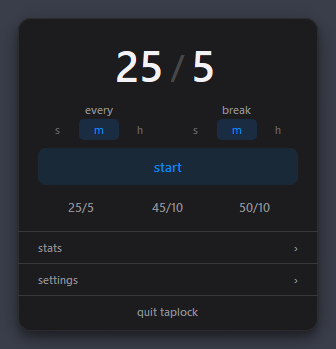
Relax mode, on a PC.1
One executable in the notification area. No installer, no administrator rights. Same config, posture reminder and statistics as the Mac app.
Highlights
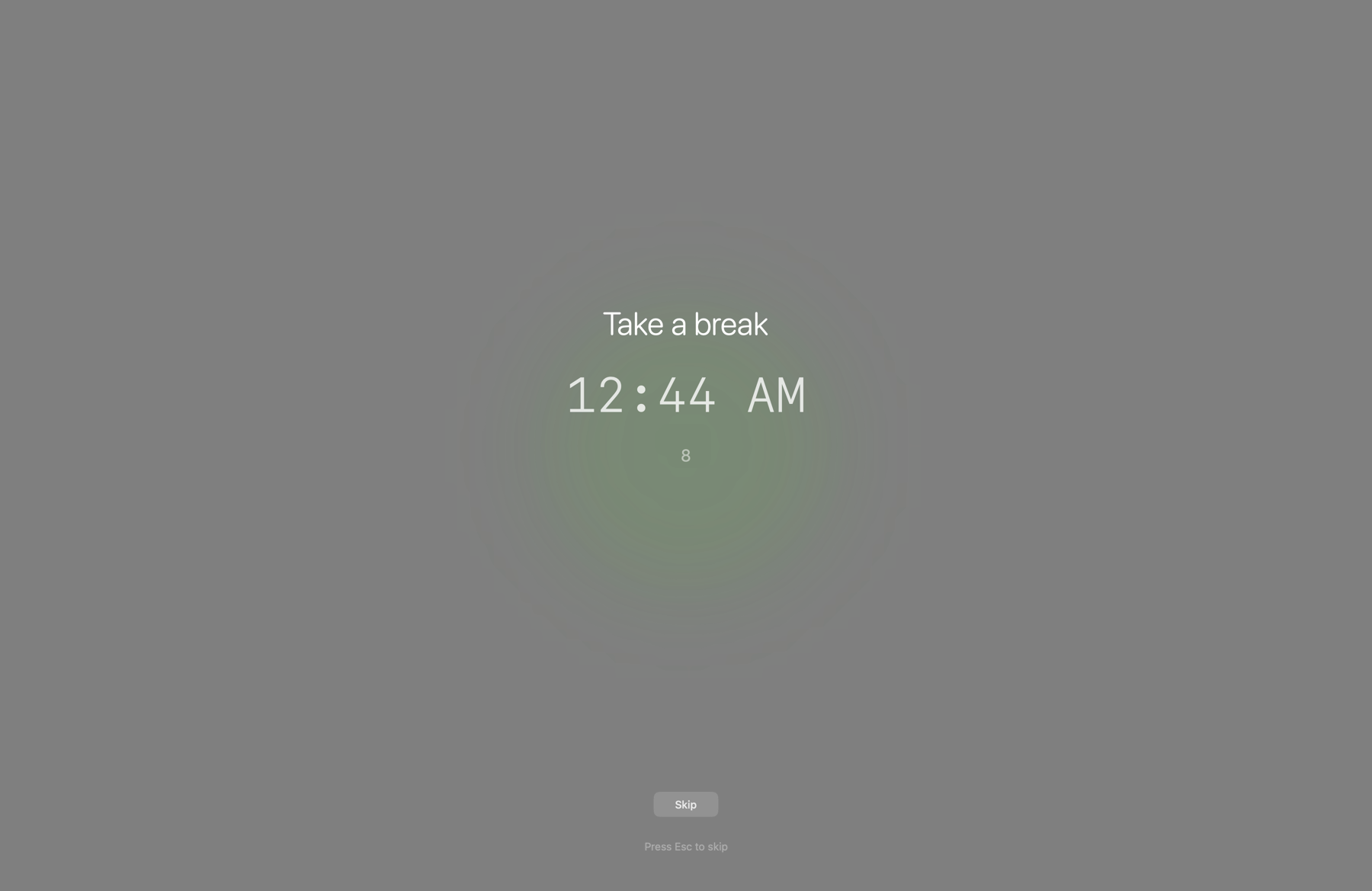
Relax mode
30 s
→ ∞
Lock mode
0
No root
Emergency cancel
Also on
a PC.
Windows
Lock mode
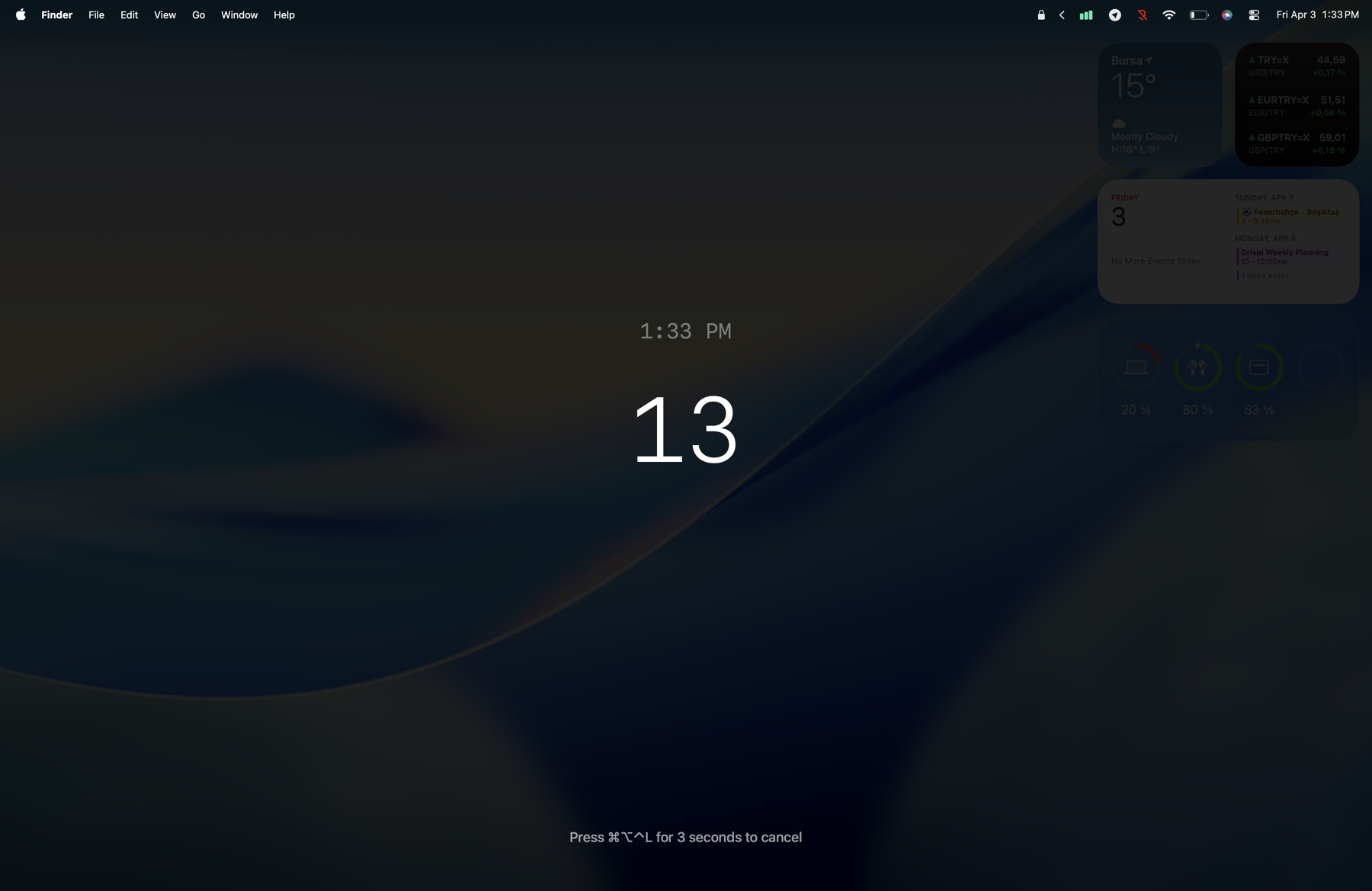
Cleaning the keyboard. Handing the Mac to a toddler. A cat on the desk. Pick a duration and TapLock blocks keyboard, trackpad and mouse while everything on screen keeps running.
Presets from
30 sec
to an hour, or indefinitely
Safety unlock after
5 min
when no end time is set
Hold ⌘⌥⌃L for
3 sec
to cancel, whatever the timer says
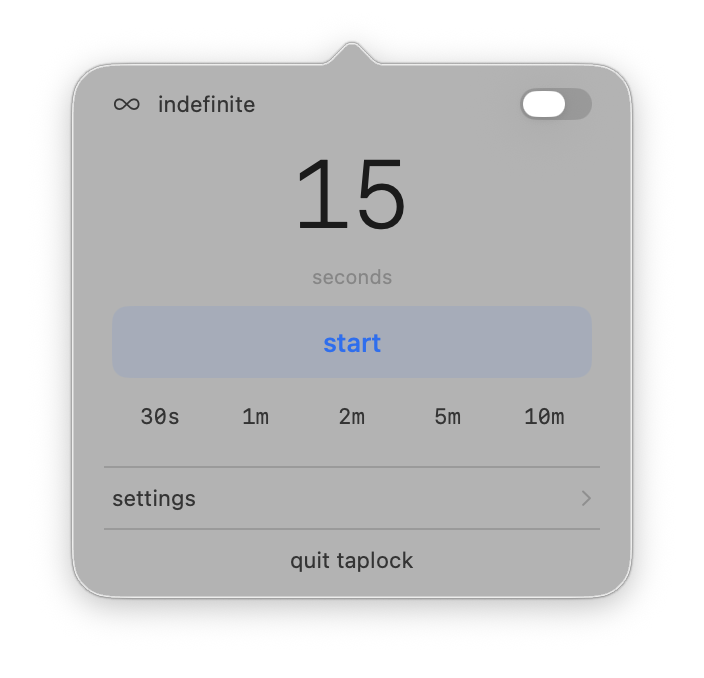
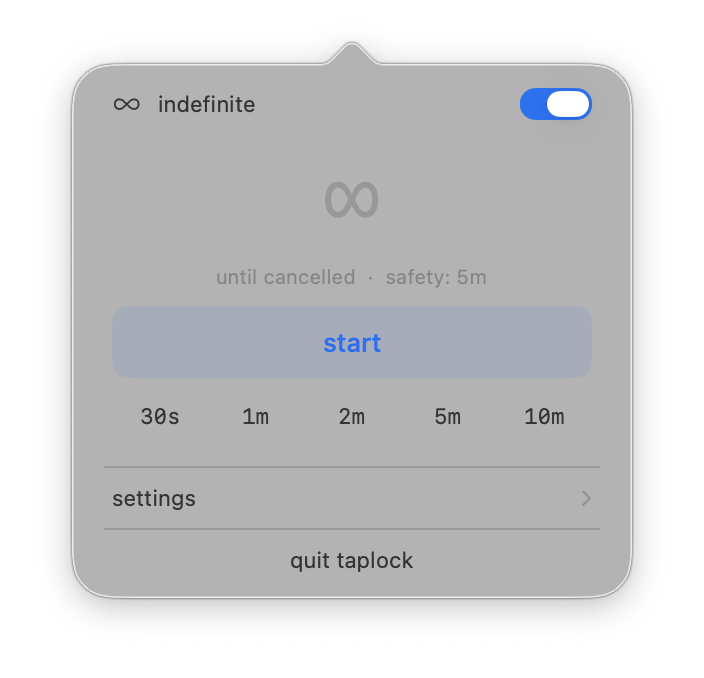
5, 4, 3…
Five presets in the menu, 30 seconds to 10 minutes. Or set your own, up to an hour.
No end time at all. An indefinite lock still lets go after five minutes, so you are never stuck.
Set a delay and a visible countdown runs before the lock starts, so you can put the Mac down first.
Keyboard only
Wipe the keys, still scroll.
Overlay
Presets in Settings, or your own.
−100%
Dimming and sound
Sound cues at start and end, or silence.
Relax mode
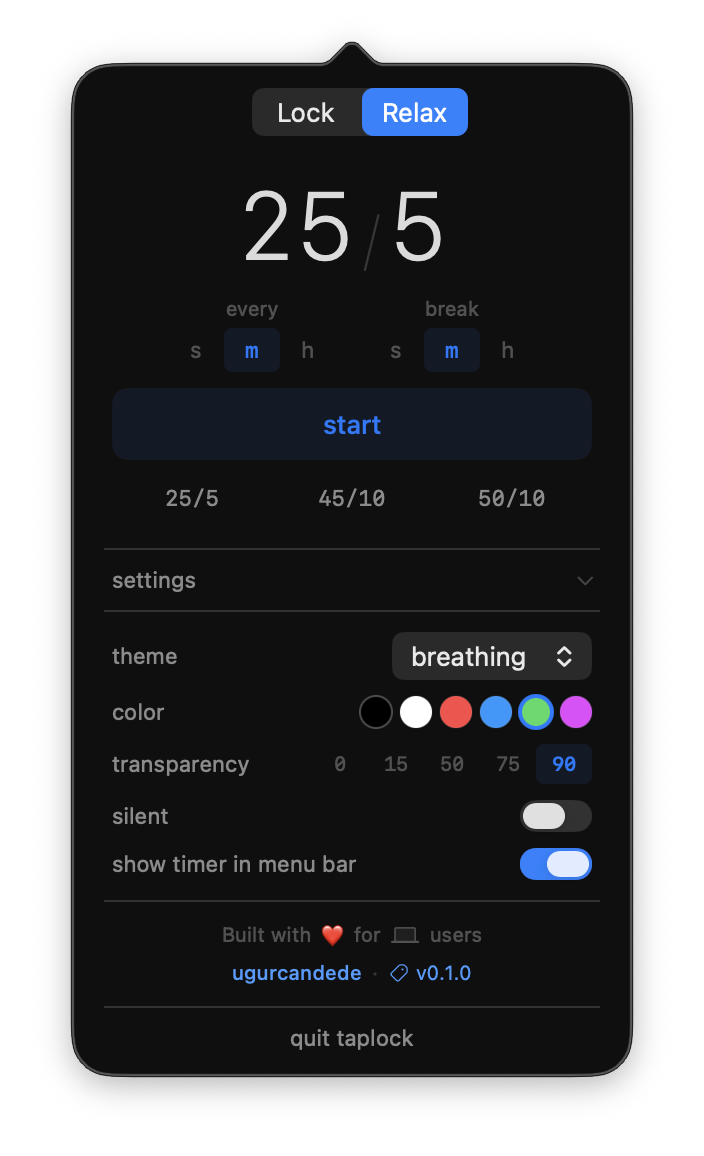
Work for an interval, then a quiet overlay asks you to step away. It covers the display for the length of the break and never blocks your keyboard or mouse.
Presets
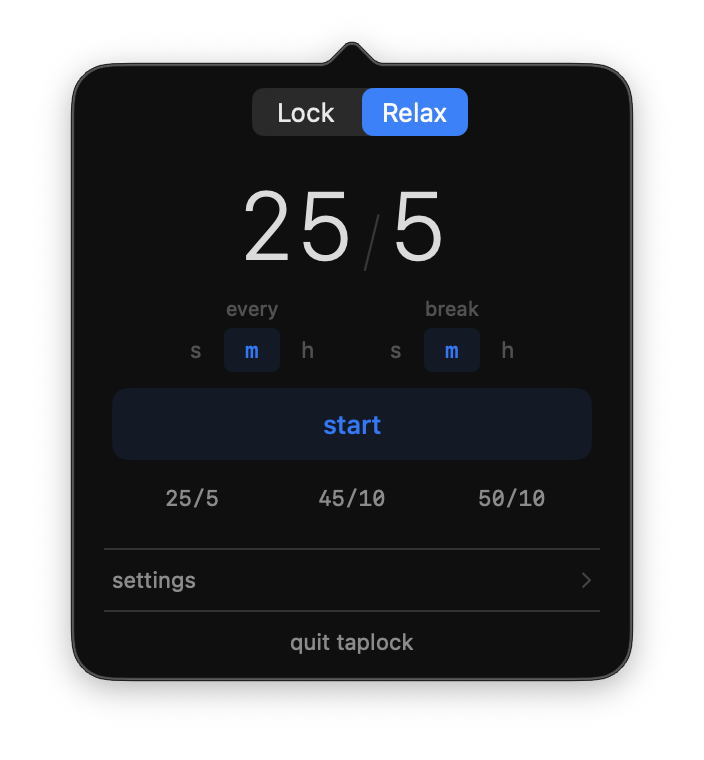
25 / 5
45 / 10 and 50 / 10 too, or any rhythm
Themes
3
Breathing, Minimal, Mini
Input hooks
0
An ordinary window. A key always reaches you.
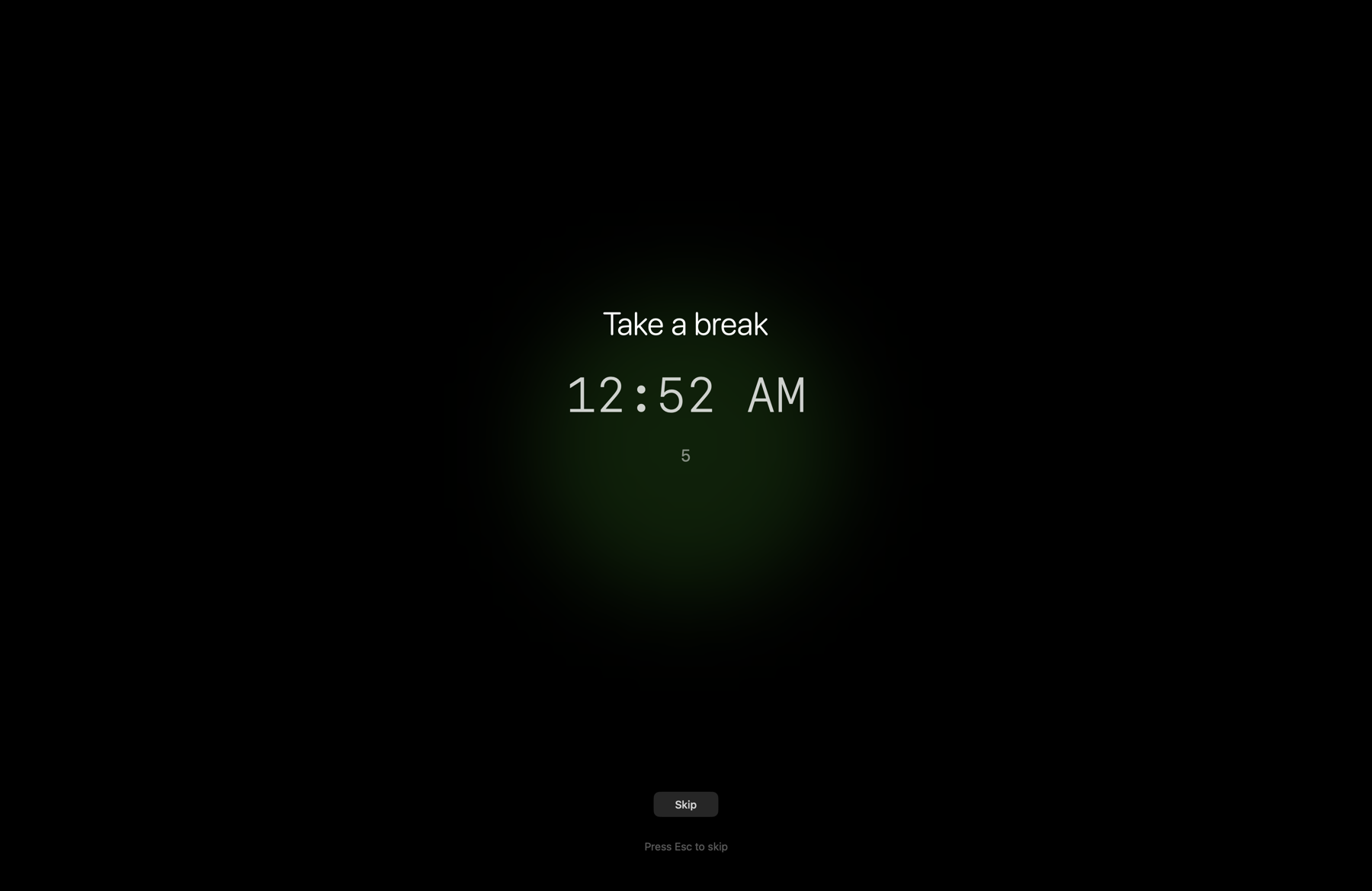
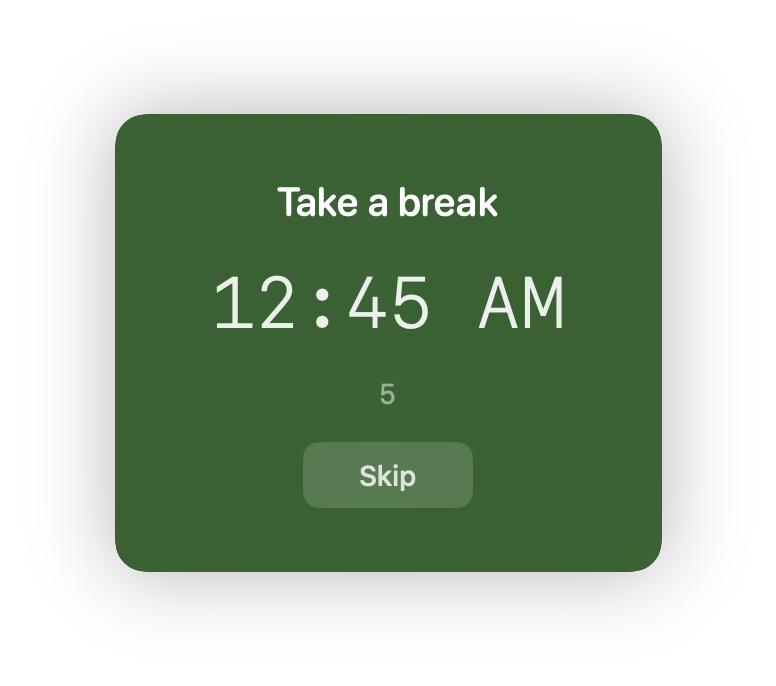
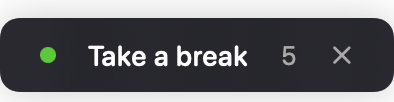
Breathing dims the whole display and pulses a soft circle for the length of the break.
Minimal is a frosted card in the middle of the screen. Nothing else changes.
Mini is a small bar at the top. Keep working if you must, but you will know.
Rhythm
Your last setup is saved and restored.
Countdown
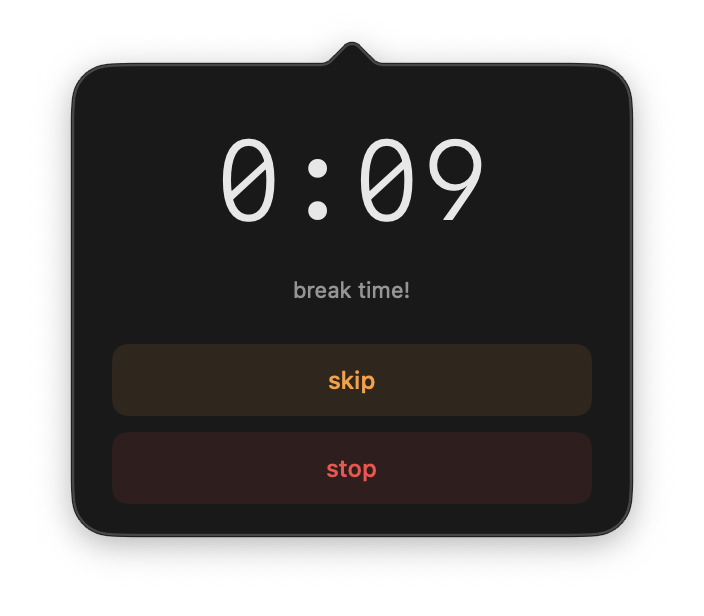
A sound plays shortly before. Or silence.
Settings
Advanced
Working days and hours, quiet hours, fixed times. Mac and Windows.
Never blocks
your input.
By design
Inside
TapLock runs entirely in user space. A session-level CGEvent tap blocks input; signal handlers restore it on exit, whatever happens. The only thing it asks for is Accessibility.
Kernel extensions
0
No driver. No admin password.
Permissions
1
Accessibility. Nothing else.
Written in
Swift 6
SwiftUI and AppKit. Source available.
The engine ships on its own as taplock, with a flag for every option. A Raycast shortcut, a cron job, a shell alias.
CLI on GitHub →# lock for two minutes $ taplock 2m # a five-minute break every 45 minutes, minimal theme $ taplock relax --every 45m --break 5m --theme minimal # stop the breaks $ taplock relax --cancel
for Windows.
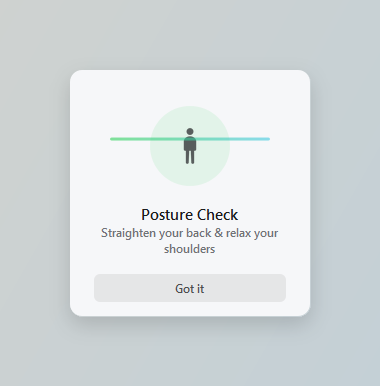
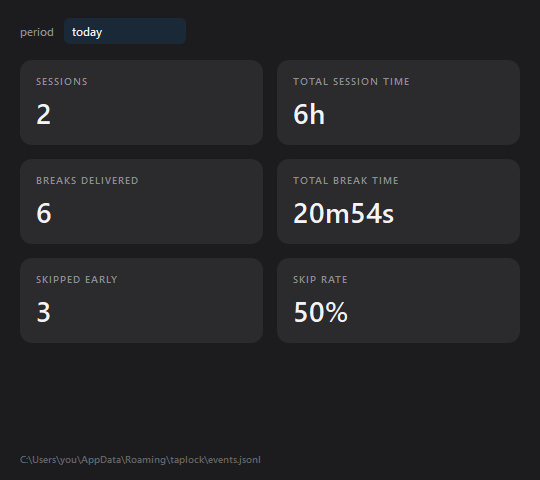
One executable in the notification area. No installer, no administrator rights. Same config, posture reminder and statistics as the Mac app.
taplock › for windows
Posture reminder
Statistics
🔔 / 🔕
Sound cues
☀︎ / ☾
Follows your theme
Same files
as the Mac.
Shared with macOS
HKCU
Launch at login
Files
1
TapLock.exe, about 45 MB, nothing to extract
Admin rights
0
At install or at run. Launch at login is one HKCU key
Input hooks
0
Always-on-top windows, nothing more
Windows 10 1809 (build 17763) or later, 64-bit. The file is unsigned, so SmartScreen may stop it the first time: More info, then Run anyway.
Under the hood
A single 1 Hz tick drives the whole session against monotonic deadlines. A deadline more than 30 seconds overdue means the laptop was asleep, so the interval restarts instead of firing a break hours late.
Timer
1 Hz
Against monotonic deadlines
Overdue means asleep after
30 sec
The interval restarts instead of firing late
Written in
Python
PySide6 and Pillow, packaged as one .exe
Where the port does not match the original, it is on purpose.
Three builds
Command line tool
Download$ brew tap ugurcandede/tap $ brew install taplock
Menu bar app3
Download$ brew tap ugurcandede/tap $ brew install --cask taplock-app
Notification area app
DownloadTapLock.exe, no installerAnonymous usage stats can be switched off in Settings.2
Specifications
FAQ
TapLock uses a CGEvent tap to intercept and block keyboard, trackpad, and mouse events at the system level. macOS requires Accessibility permission for any app that monitors or modifies input events. TapLock does not log, record, or transmit any input data.
Your input, never. TapLock blocks events locally and discards them — no keystrokes or mouse movements are recorded or transmitted.
The only thing it sends is one anonymous ping per day to Google Analytics: a random install id, the app version and which mode you last used (lock or relax). No keystrokes, no input data, no device names. Turn it off any time by unchecking send anonymous usage stats in settings.
The cursor remains visible but non-functional — all clicks and movements are blocked by the CGEvent tap. Hiding the cursor caused restoration issues on some macOS versions, so we chose reliability over aesthetics.
TapLock blocks gesture events (types 29/30/31), but macOS processes some multi-finger gestures at a lower level before they become CGEvents. Some system gestures like Mission Control may still trigger.
Currently, the overlay is displayed on the main screen only. Multi-monitor support is planned for a future release. Input blocking works system-wide regardless of which screen is active.
The CGEvent tap will stop receiving events, effectively ending the lock. The overlay will remain until the session timer expires. We recommend not changing permissions during an active session.
Relax mode has one: TapLock for Windows, a single executable that lives in the notification area. Lock mode is not ported — blocking input on Windows means hooking the input stack, and the port deliberately stays in user space, with no driver and no admin rights. Both builds read and write the same config and event log, so those files can move between machines.
They share the same TapLockCore library but run as separate processes. Only one lock session can be active at a time — the CLI uses a PID file to prevent multiple instances.
# CLI
$ brew uninstall taplock

# App
$ brew uninstall --cask taplock-app

# Or manually delete TapLock.app from Applications
Then remove TapLock from System Settings > Privacy & Security > Accessibility.
The test suite uses Swift Testing framework, which requires Xcode (not just Command Line Tools). Tests run in CI where Xcode is available. You can still build without running tests:
$ swift build -c releaseYou need Swift 6.0+. Check your version:
$ swift --versionUpdate via Xcode or install the latest Swift toolchain from swift.org.
More from ~/apps