
sotto
Mute your microphone system-wide — one key, every app, instantly.
No permissions required — push-to-talk is the one opt-in exception.



brew tap ugurcandede/tap
brew install --cask sotto
Features
System-wide mute
Writes the device's own mute property through CoreAudio. Every app goes silent, not just the one you're in.
Push to talk
Flip the mode and the mic rests muted — open only while you hold your key. Let go and you're silent again.
An icon that can't lie
The glyph follows the device, not the app's memory of it. Mute from System Settings and sotto agrees within a second.
The microphone key
Claim the 🎤 key on your keyboard and it mutes instead of starting Dictation. Give it back whenever you like.
Input switching
Choose the microphone from the menu. Your mute state travels with you when the default input changes.
Gain and level test
Set input gain, then press Test for a five second meter. The microphone opens only for those seconds.
On-screen feedback
A brief HUD says which way you just went, so you never wonder whether the shortcut landed.
In the menu bar
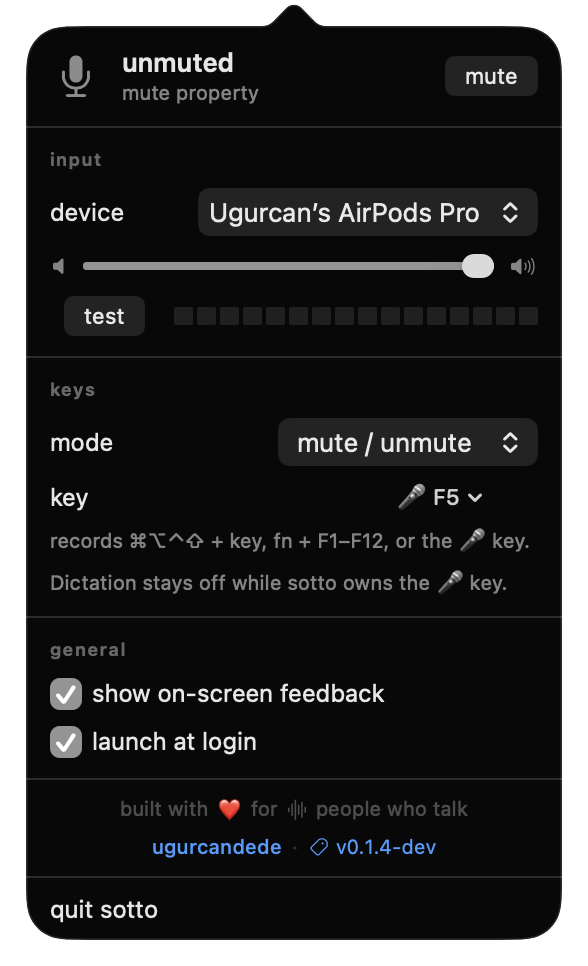
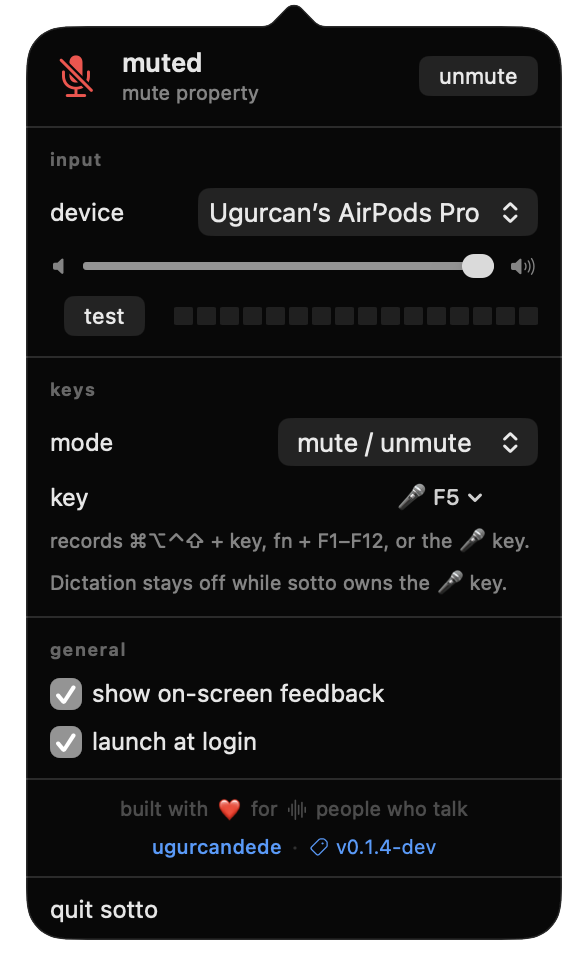
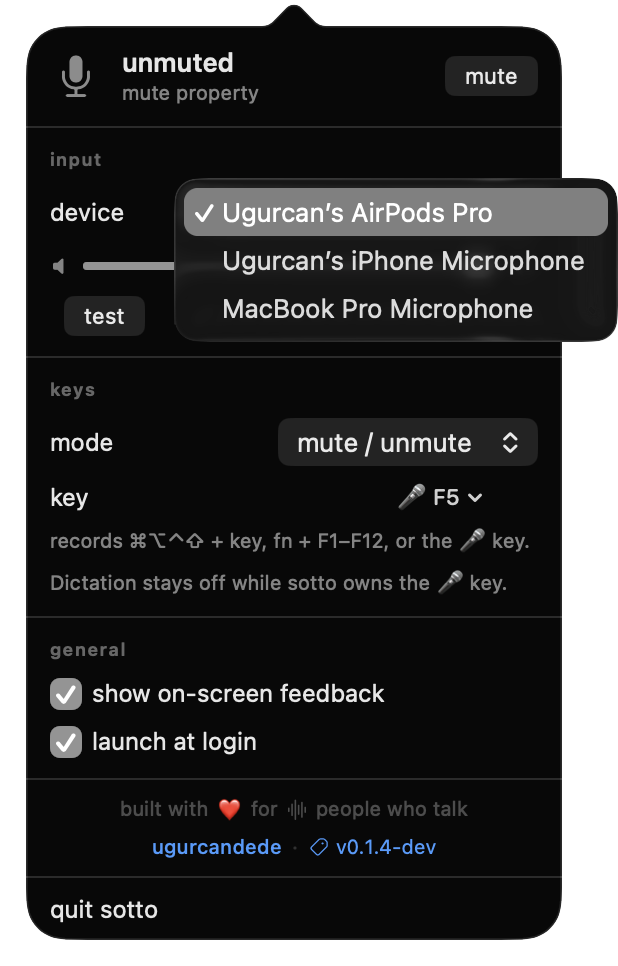
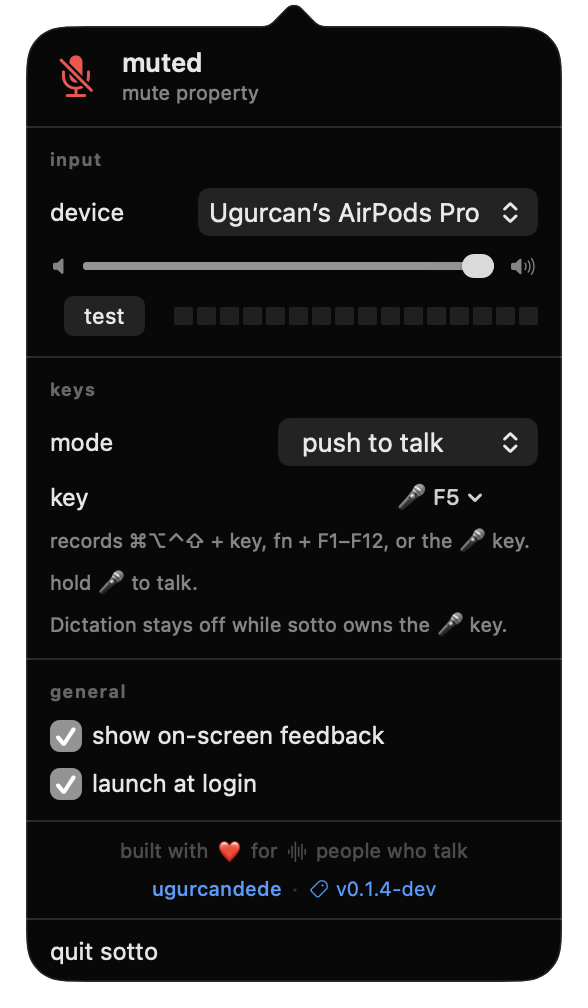
Status, input device, gain, level test, the mode and the key — one panel, no settings window.
On-screen feedback
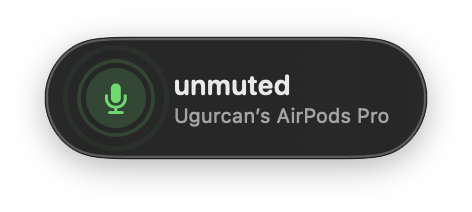
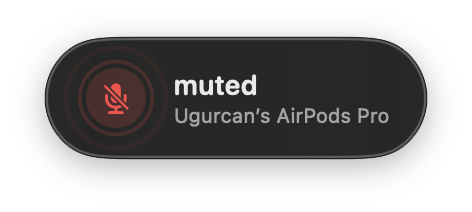
Green when you're live, red when you're not. Fades on its own.
Nothing to grant, nothing to trust
Muting is a CoreAudio property write. The global shortcut is a Carbon hotkey. The microphone key is claimed at the HID layer with hidutil. None of those ask you for anything, so sotto installs and works before it has earned any trust — which is the right order for an app that sits on your microphone. The one exception is push-to-talk: seeing and swallowing your talk key needs an event tap, so switching that mode on asks for Accessibility — the only grant in the app, and only if you use it.
How it mutes
The device, not the app
sotto sets kAudioDevicePropertyMute on the input device, and falls back to zeroing input gain on devices that don't expose it. Zoom's automatic gain control tries to undo that; sotto puts it back.
/Applications/sotto.app/Contents/MacOS/sotto probe
The key, before Dictation
macOS turns the 🎤 key into a Dictation trigger before any app sees it. sotto gets underneath by remapping the key itself — and hands it back when you unbind it, quit, or log out.
🎤 → F13 → sotto
Links



Requirements
macOS 14.0 (Sonoma) or later · Apple Silicon or Intel · no permissions (Accessibility for push-to-talk only)